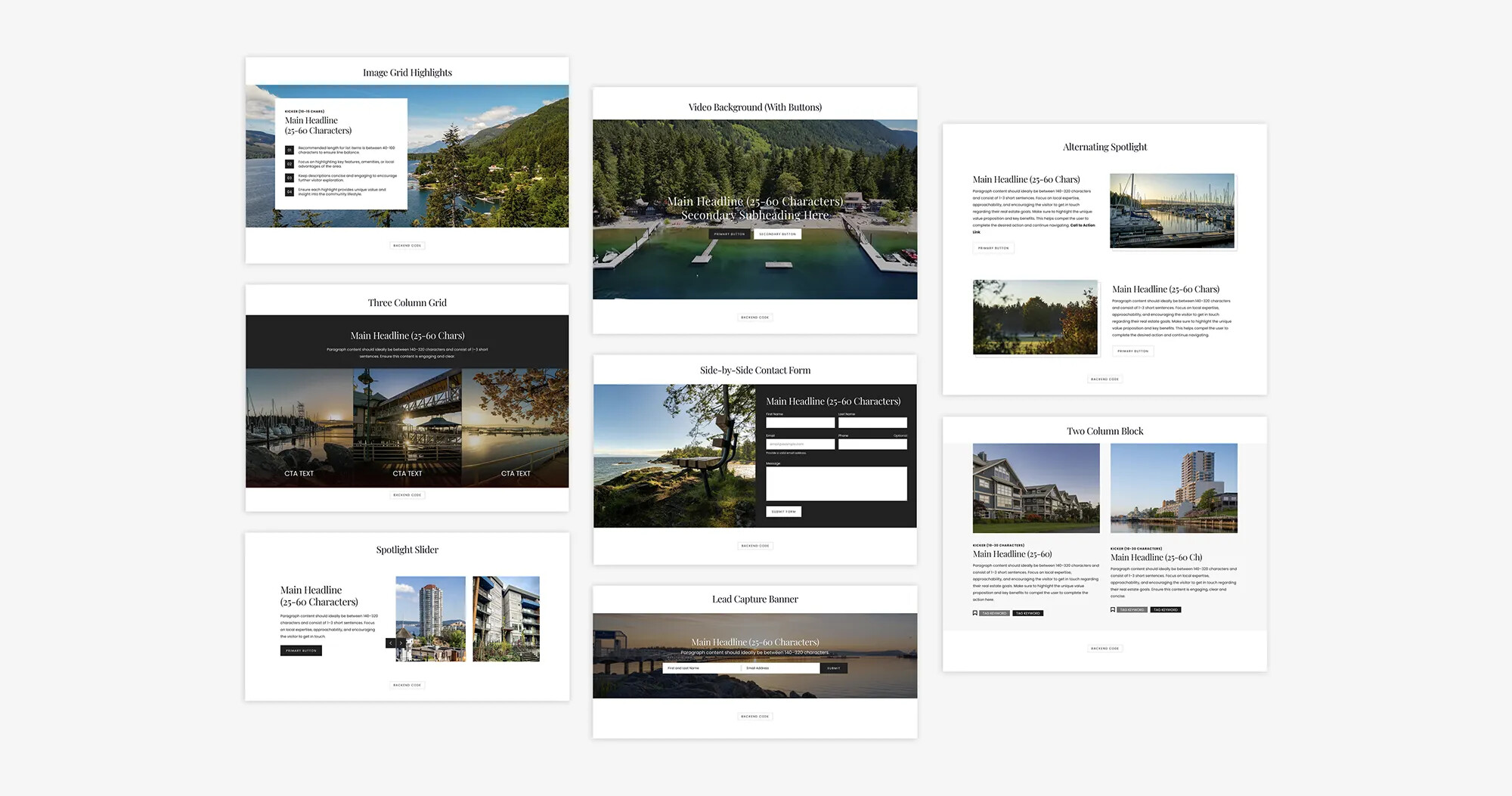
One of our newest features, part of our latest summer release, has just arrived: the Snippets Library! This resource is designed to help you streamline your creative process and elevate your website design—exactly the way you want it to look.
The Snippets Library acts as your central visual workspace, allowing you to preview design elements exactly as they would appear on a live page. With the click of a button, you can view the code in the backend and copy these snippets to make them your own. And if you’re stuck, our AI assistant REWpert can help you personalize your snippets by editing your code… in seconds!
For those seeking complete creative control, the new Canvas Page Template provides your with a clean, blank slate. This feature enables you to inject your own custom CSS code directly onto the backend of a page (within the Head section), giving you the freedom to build unique layouts exactly as you envision them.
Whether you prefer exploring pre-built snippets or crafting custom designs from scratch, these tools are built to make your website stand out. How will you create new designs? Read more about it in our full blog post.
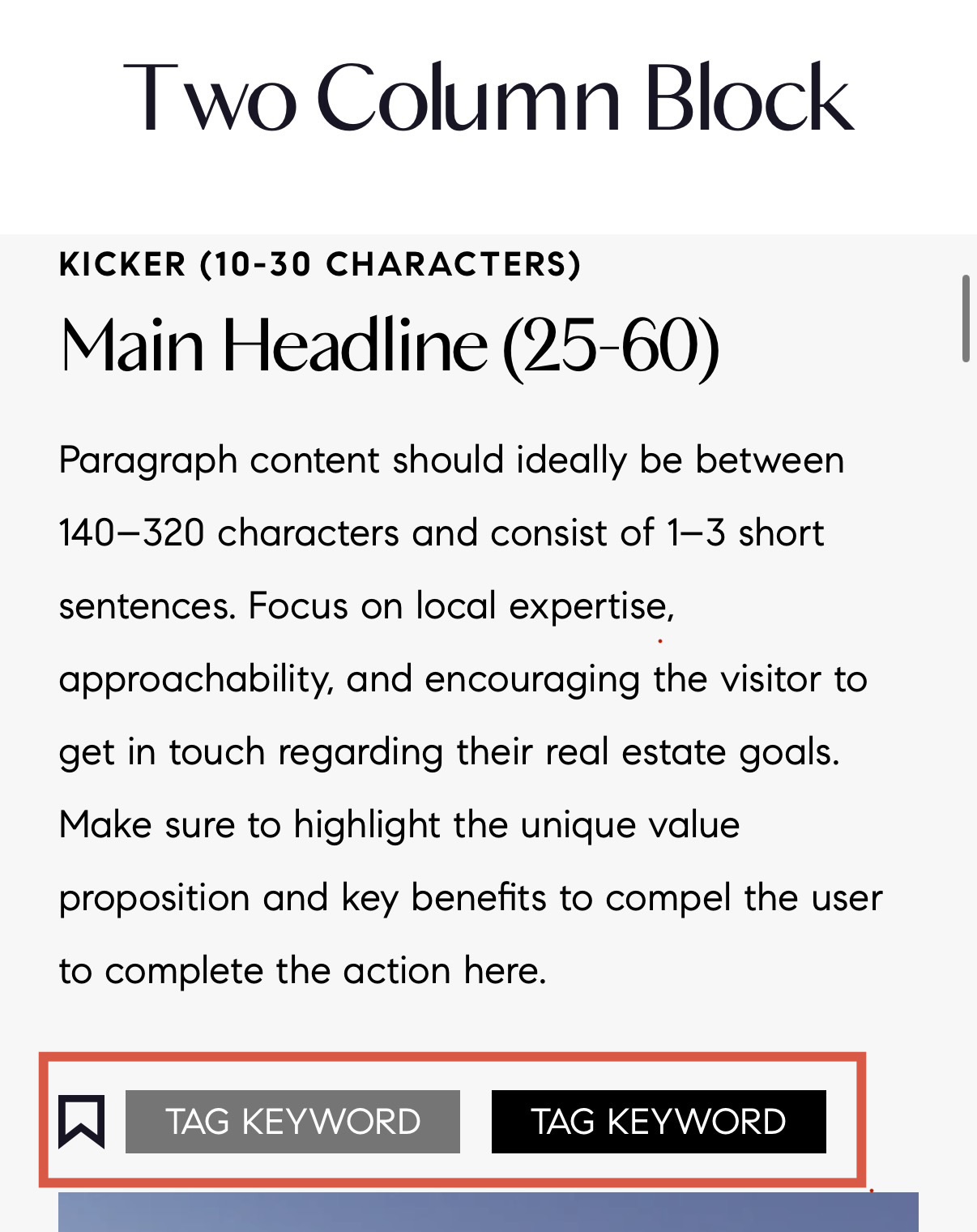
Love this! Is there a way to use the tags that are in the screen capture below? I’d like to link them to use throughout my community pages (even if it’s done manually) so that when someone clicks “new construction” or “waterfront” it goes to those related and links pages. I know that was originally the intent of that feature but for whatever reason it didn’t end up coming to fruition but I feel like it’s a great feature to use for SEO and UI.
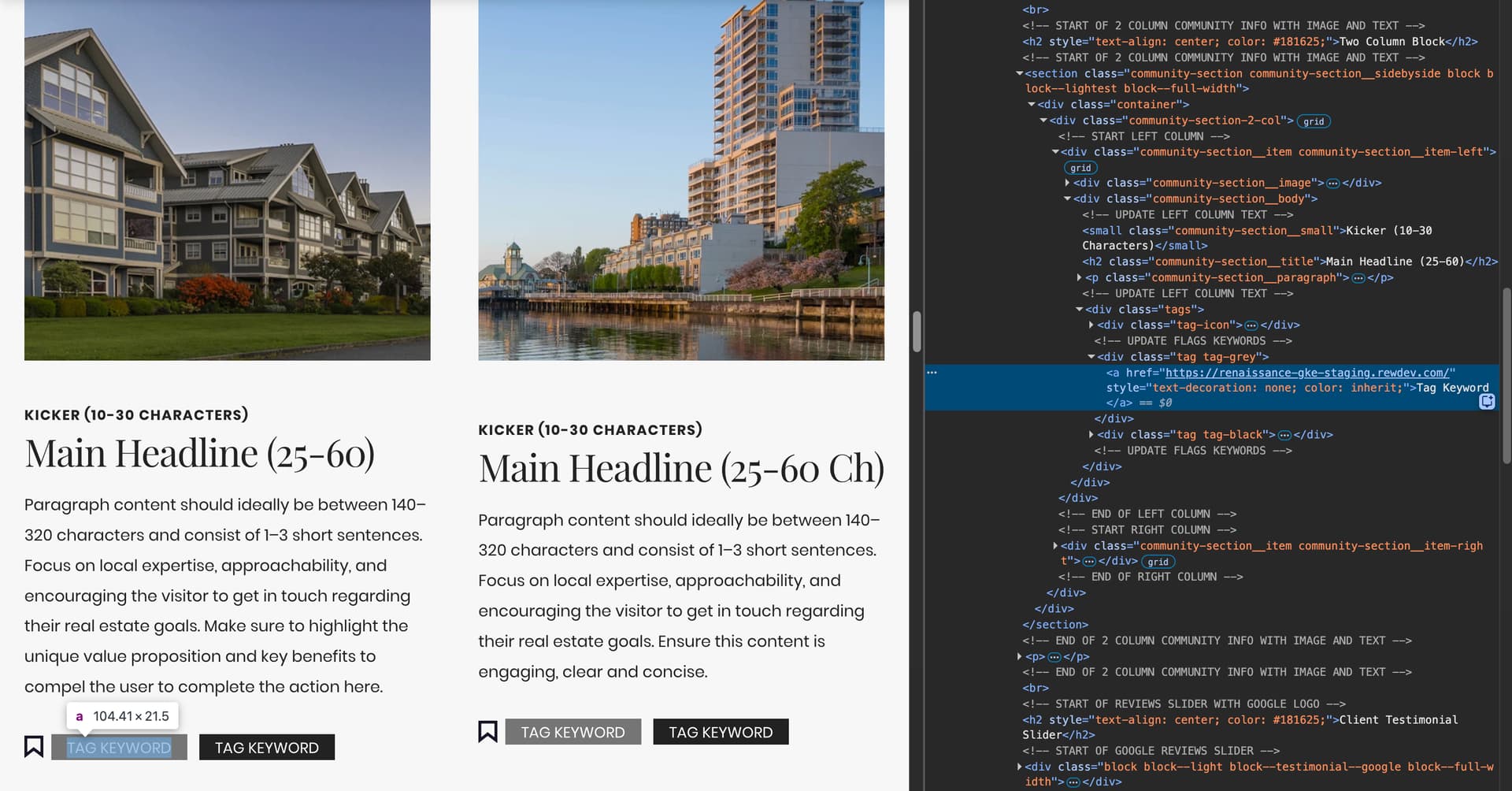
You definitely can, and you can even use REWPert to do it when creating or editing your snippets in the new library.
I just tested this exact use case. I asked REWPert: ‘Can you insert a link on these tags without affecting the way they look?’ and pasted in my HTML code. It gave me back the updated HTML with the link element included, so now my tags are clickable and ready to customize!
So that worked to link it but the feature I was asking about was using it site wide to have the ability to connect to other tagged pages similar to how the blog tags function. Do you see any workaround for that without having to do a lot of custom work?
I see what you mean. Unfortunately, while this snippet provides a visual customizable “tag”, these tags are not currently searchable or interlinked in the same way our blog tags work.
We do that in agency as a dynamic linking project - you could ask your AM about it. I do it here at www.realestatewebmasters.com for instance and sculpt the links which include forum threads and blogs as well as pages.