The latest summer release saw an update to Automations, separating rules into Lead, Property, and Deal Rule Focuses and giving you greater flexibility. By utilizing these new categories, users can create highly customized Triggers, Conditions, and Actions that help you save time—including rerouting leads, setting “Do Not Contact” safeguards, sending follow-up correspondence, reassigning Agents, managing listing notifications, and more!
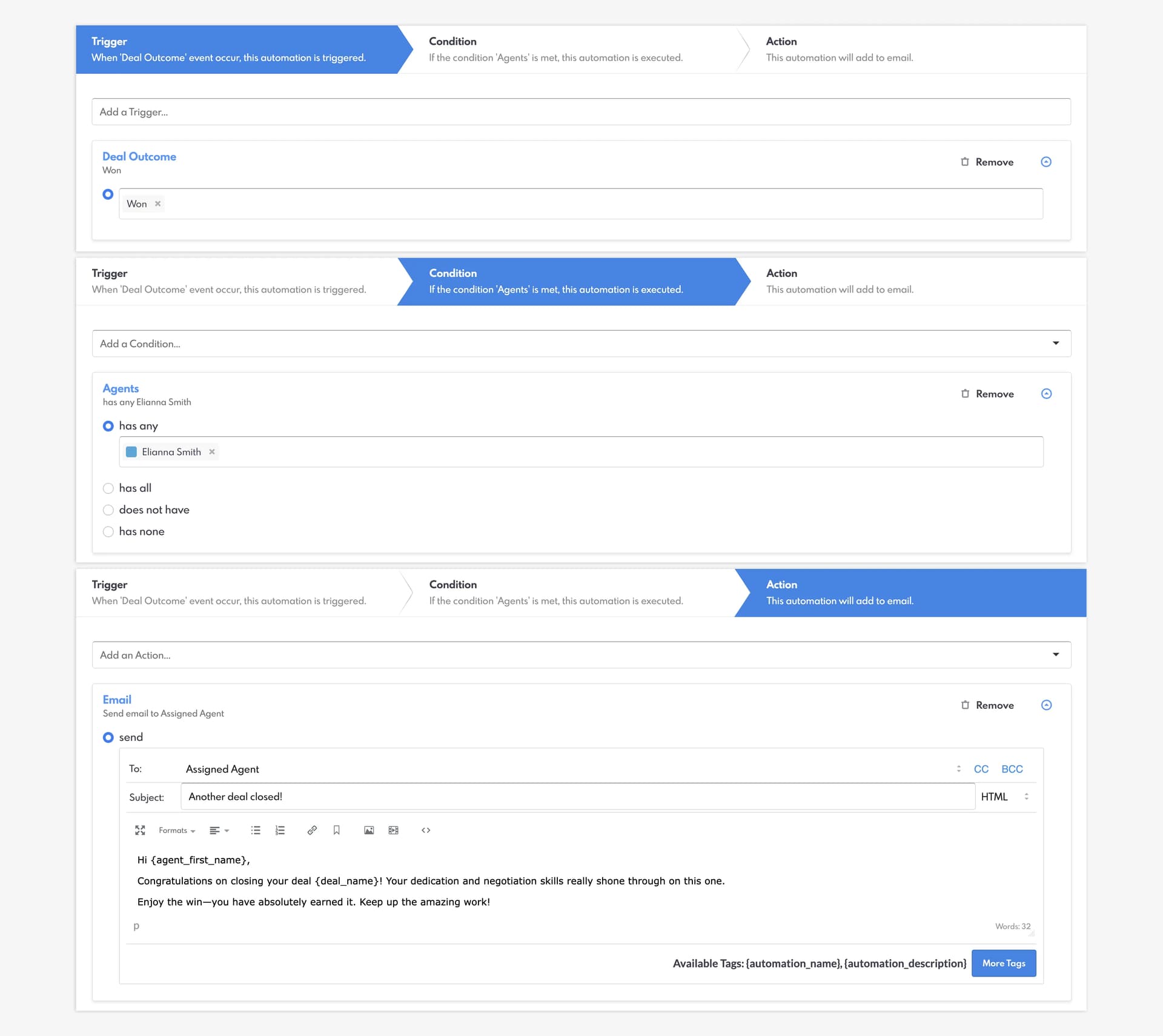
By implementing these strategies, you can streamline your daily operations and focus more on high-value client interactions. Additionally, you can customize all of your communication with your Leads and Agents with our available tags, which allows you to automatically add names, listing details, addresses, and other important fields to your emails, texts, and push notifications.
Phase 3 of Automations allows you to do even more! How will you employ our new Rule Focuses? View 12 our tutorials in our full blog post.