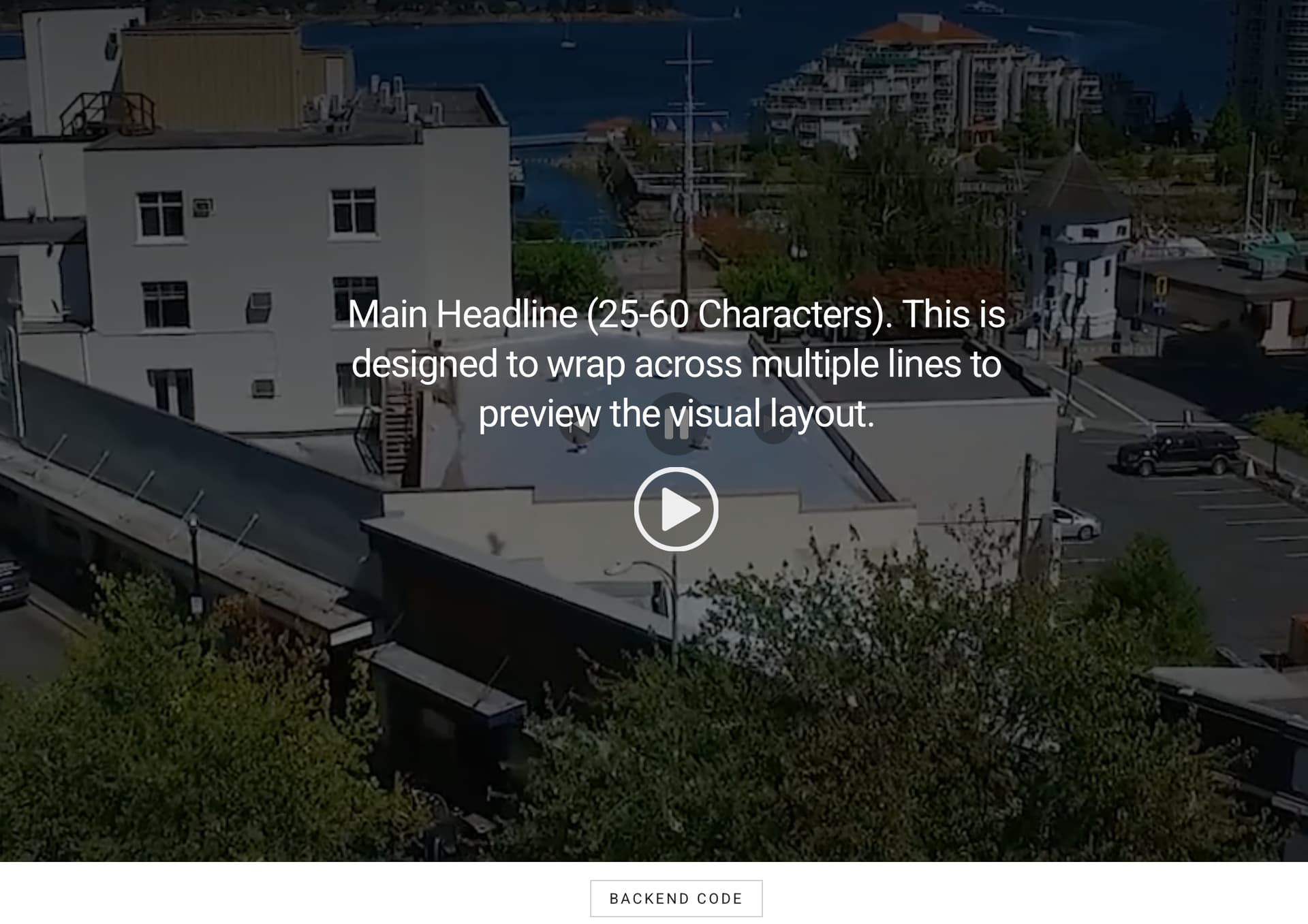
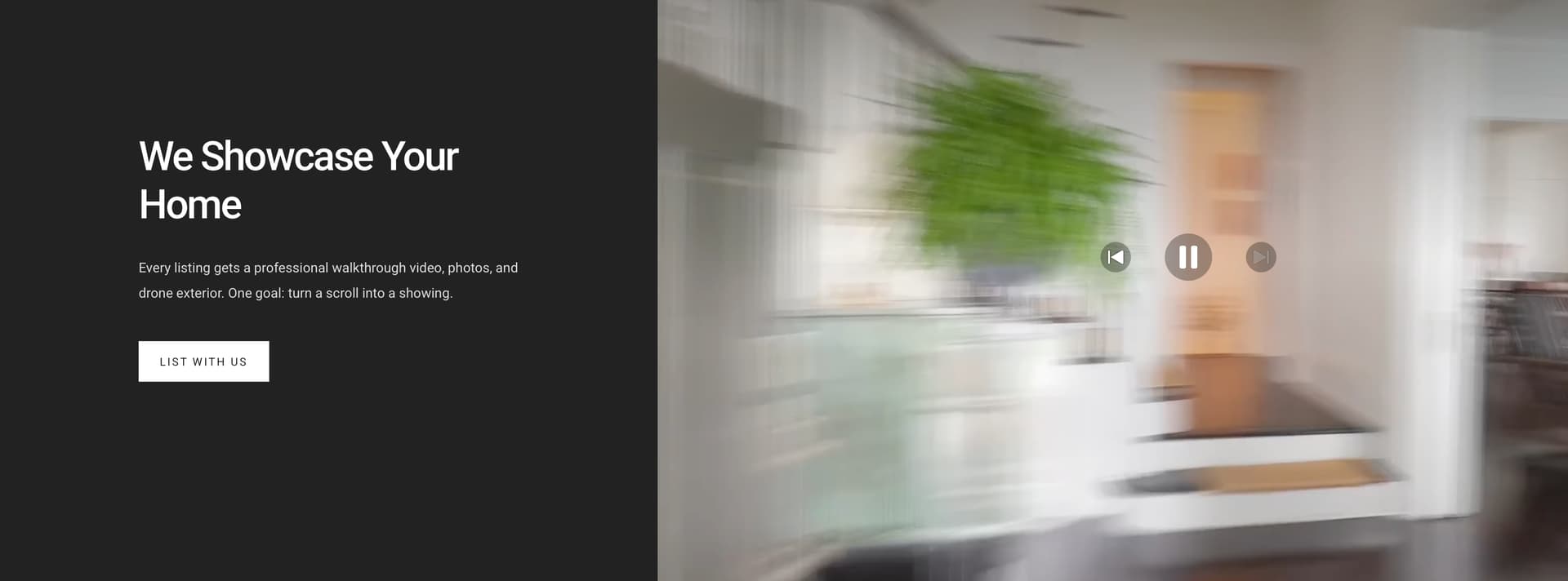
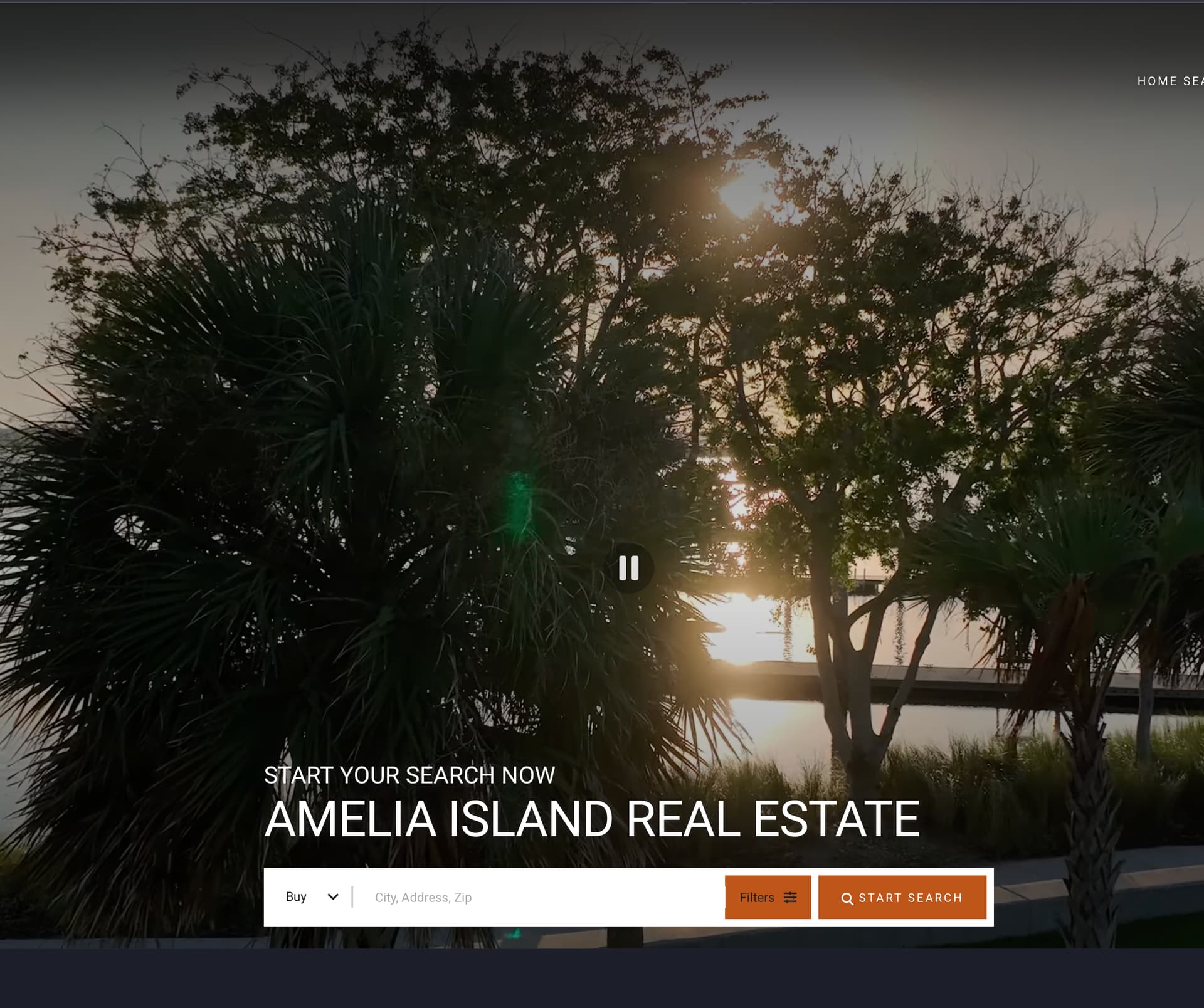
This past week I noticed when using a YouTube video in a hero or inside of snippet that YouTube is now showing the play/pause/forward/reverse buttons. They are also showing the name of the video in the upper left hand corner. I reached out to support about this as it was not doing this a couple weeks ago. I rebuilt my seller page and wanted to use the new video background snippet that was included in the snippet library. Support informed me that this is related to a change in YouTube’s policies. For my homepage hero the design team increased the viewport so it hides the title in the top left but the play/pause icon is still present when the page loads. The design team is saying to fix this it would require custom work.
I thumbed through the Youtube(Google) policy. It appears to be a combination of a redesign to the embedded player where the play button is not living in the corner of the video and covered by the CSS anymore as well as the fact the policy now says that player controls can’t be covered. Either way, I think this diminishes the look of the snippets and hero background now.
Is there anything on the roadmap to fix this or replace with a different type of embedded player or locally hosted video?
You’re pinging the wrong guy heh - It’s @FernandoOrtiz who runs product / R & D.
But I’m happy to comment since I’ve seen this.
As this is new, it would need to go into a queue and get considered and if approved, it would then be prioritized for release.
I see this one as relatively small (at least in terms of the solution I’m going to suggest below)
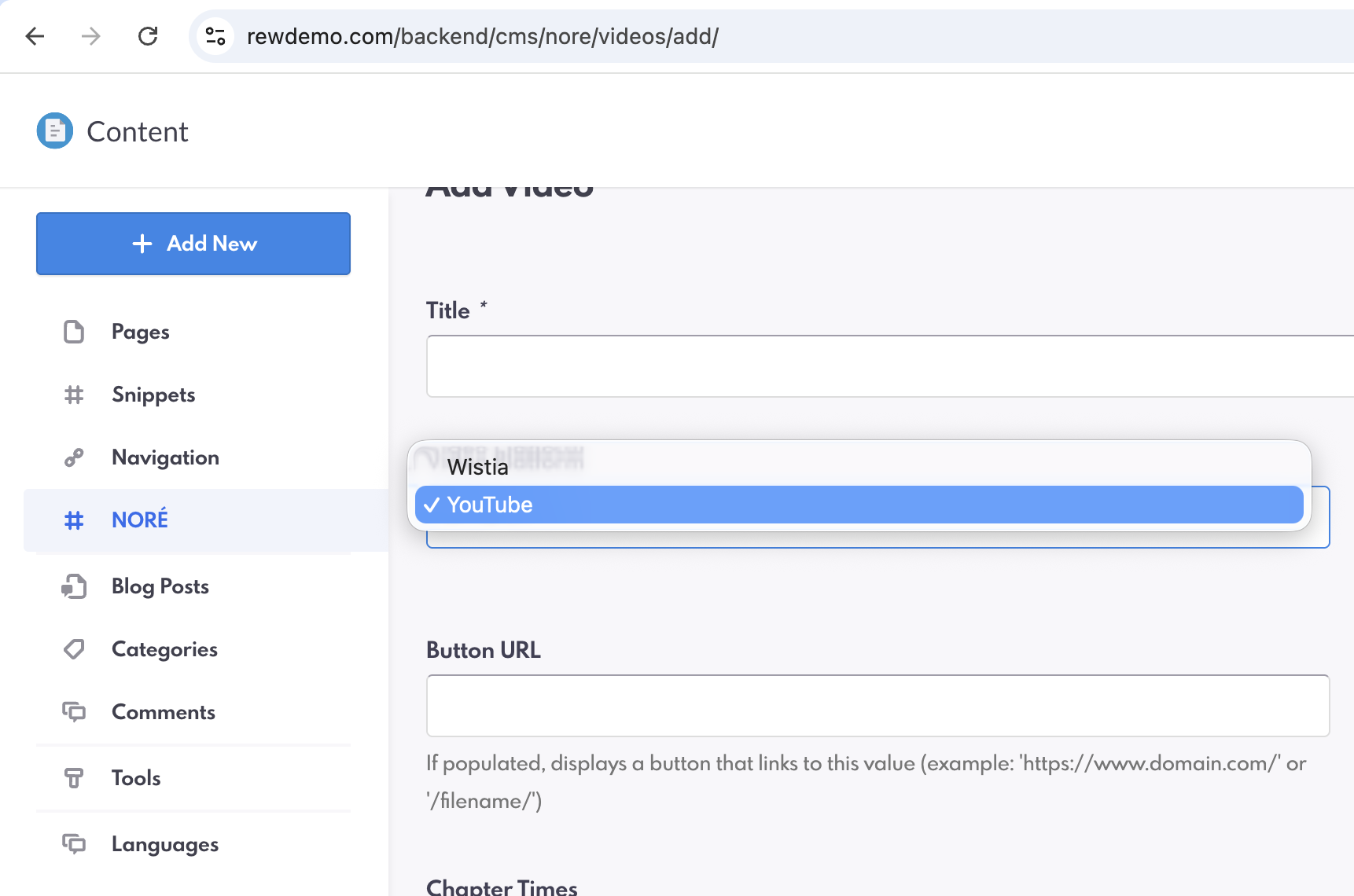
Here are my thoughts - we already support an alternative to Youtube natively in Wistia (NORE does this) so a new “Wistia video” option for other page templates is a logical solution - then you don’t need to deal with changing Youtube parameters etc
One note - REW does not plan on hosting videos ourselves for two reasons
#1: User experience, we’re not optimized as a video delivery service (Wistia, Vimeo, Youtube etc are experts at that)
#2: We’d need to increase fees to cover the storage costs and bandwidth of the delivery - and sine there are both free and inexpensive options that are better at delivery, it likely makes more sense to do the wistia option
Apologies! I’ll make sure to loop in Fernanda for R&D and product related things going forward.
Completely understand and I really didn’t think it made sense for you to be hosting video anyways. As far as adding a Wistia video option that would be great as this is now affecting all of the video related snippets that were put out in the snippet library. Just doesn’t look very clean to have a play/pause button right in the middle of the video. Hopefully this hits the roadmap and makes it into a release.
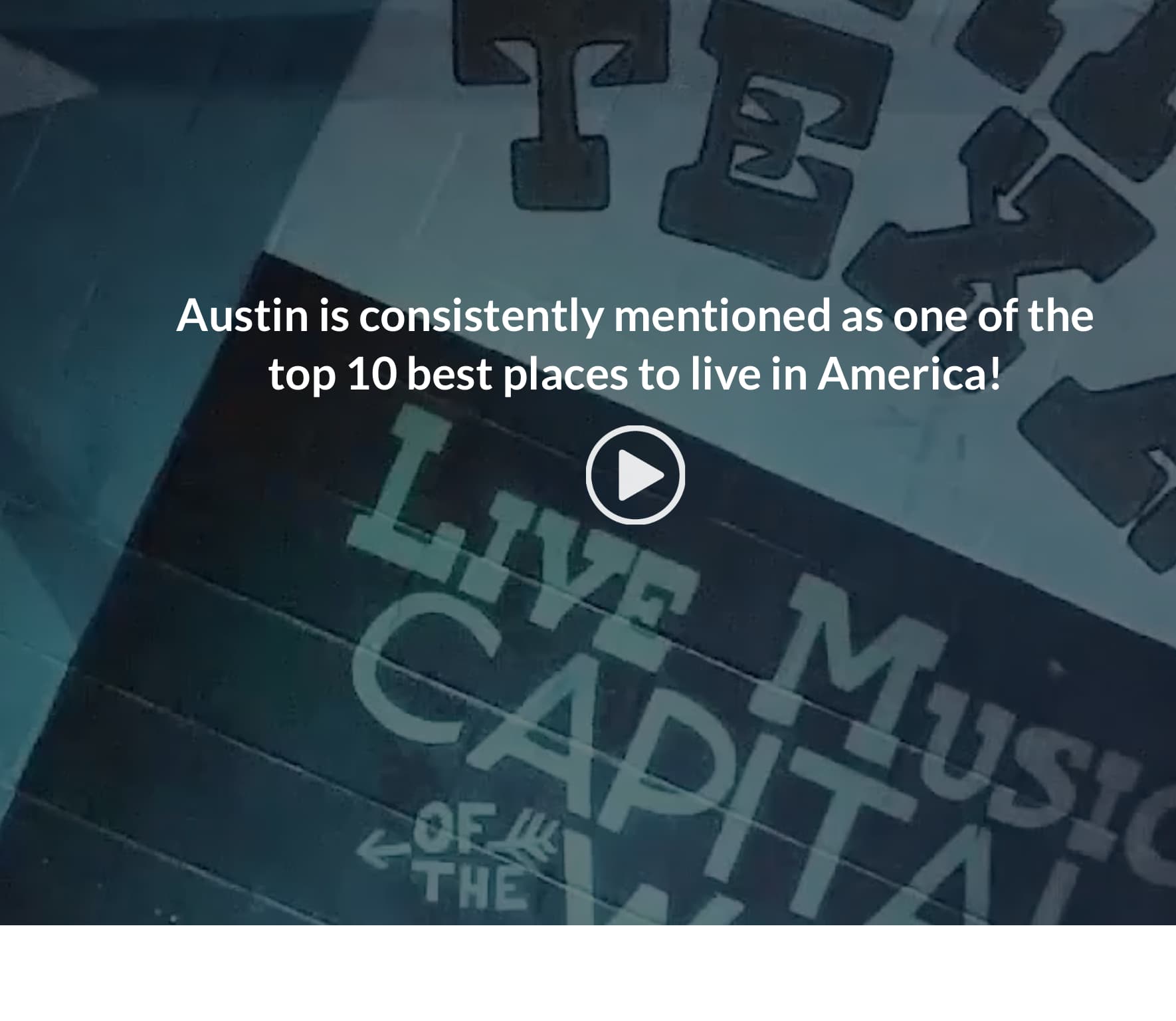
@Morgan, not to kick a dead horse here but I looked at realtyaustin.com and they are have a snippet from the snippet library half way down their home page. It doesn’t show the play/pause button. Do you know how they achieved that?
This is the snippet they are using and there’s no play pause:
That’s a custom site - (or customized) so not sure if this markup would work for you, but this is what I see in the backend
<!-- CHANGE YOUTUBE VIDEO ID BELOW (data-youtube-id) -->
<div class="video__container videoVars" data-youtube-id="LAqYrp-si_g">

    <video autoplay loop muted playsinline preload="none" loading="lazy"

        <!-- CHANGE VIDEO IMAGE BACKGROUND FALLBACK -->
           poster="/uploads/agent-1/Is_Austin_Calling_Thumbnail_Realty_Austin_Compass_22653b65ef.webp"
           class="video__background">

        <!-- CHANGE VIDEO VIDEO BACKGROUND MP4 -->
        <source src="/img/Austin_Calling_1080.mp4" type="video/mp4">
    </video>


    <div class="overlay">
        <div class="video-content-container">
            <h3 class="overlay-heading">Austin is consistently mentioned as one of the top 10 best places to live in America!</h3>
            <button class="play-video-btn">
                <img src="/uploads/agent-1/play-button.webp" alt="Play Button" class="video-show" style="pointer-events: none;" loading="lazy">
            </button>
        </div>
    </div>
</div>
Thanks Morgan. Appreciate you sharing that. I see what’s happening. The video that we are seeing on the site is a video that’s in their site storage that has been shortened and with lower resolution. When clicking the snippet it opens the YouTube video that is full 4k resolution and has beginning and ending titles. Clever trick and that really only works for that specific snippet but doesn’t work for the others unless you only want 1080p, very short video to play. For instance, one of my snippets is showcasing the high quality video we do for our listings. Can’t really serve up a slightly grainy, short, 1080p snip of a video. Kind of takes the pizazz out of the snippets design/intent. Same goes for hero video.
Again, I do appreciate you sharing that though. I’m sure I can get some use out of it.
 - It’s