Want A Personal Demo?
Watch the Walkthrough Video
Explore multiple ways to incorporate the REW Text feature into your everyday workflow with our step-by-step video tutorial. We’ll guide you through how to send texts to leads, how to automate texts with an Action Plan and how to enable REW Text to receive lead notifications.
Direct Texting
from the CRM
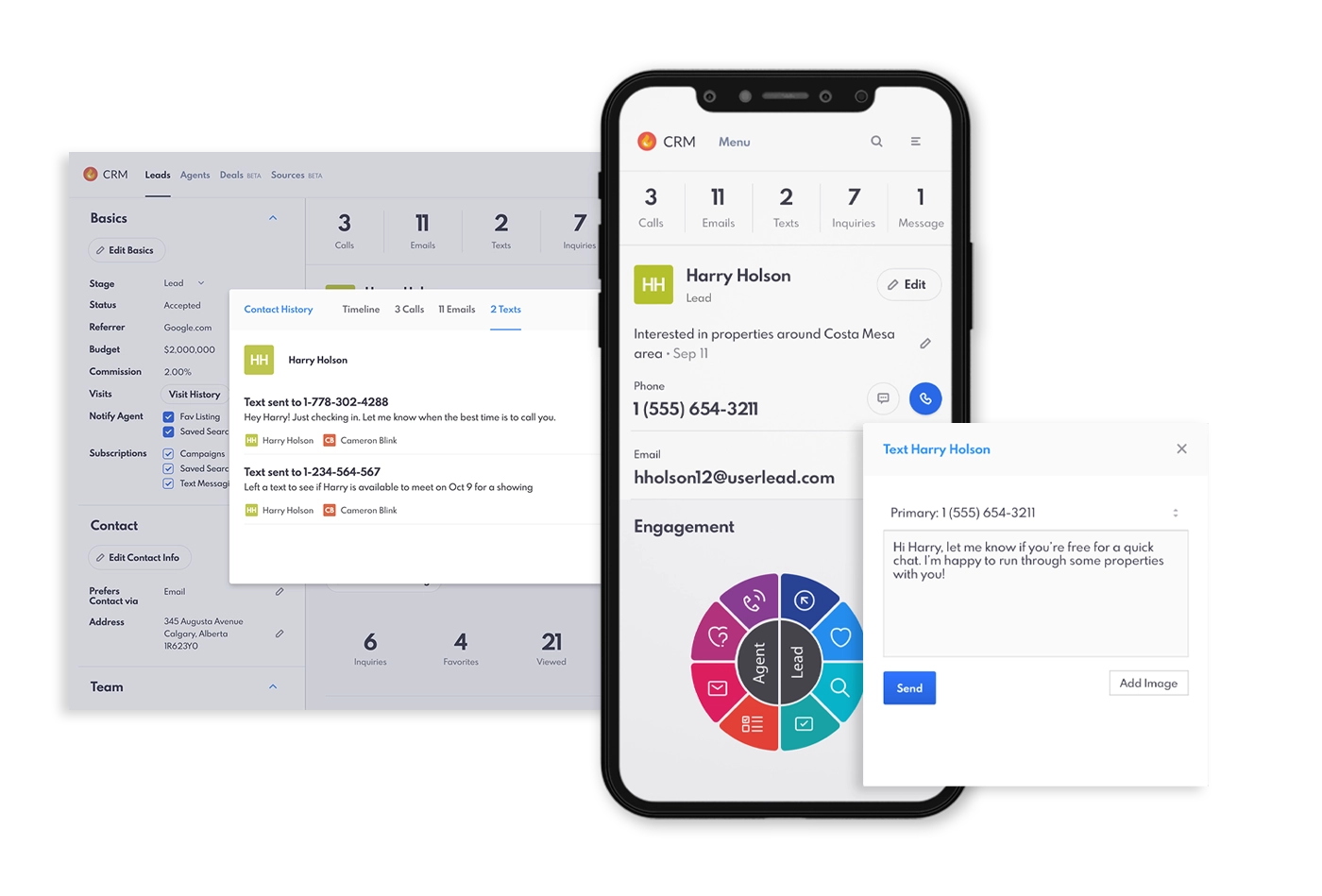
With REW Text, agents can send messages directly from the Lead Details page, simplifying client communication. Whether it’s a quick follow-up or a personalized update, this feature ensures you’re always in touch with clients.

Effortless Automations
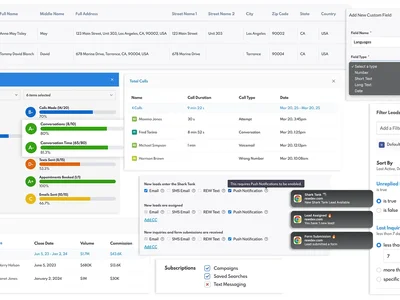
Take communication to the next level by automating text messages through Action Plans & Autoresponders. Set up Autoresponders as soon as a lead first registers, or schedule texts as part of your workflow to ensure timely engagement, providing easy follow-ups without any manual effort.

Receive Instant
Lead Notifications
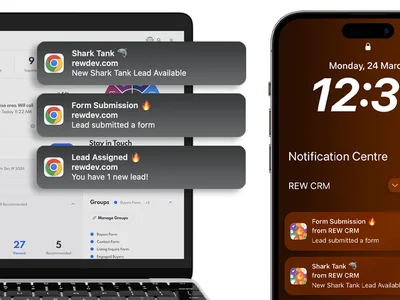
With REW Text enabled, agents can receive real-time updates about lead assignments, inquiries, and form submissions. This allows you to respond faster and stay on top of every opportunity, all through simple text alerts.

Master the REW CRM
One Feature at a Time
What People
Are Saying
Don't take our word for it! Find out from happy customers why the REW takes the #1 spot in the combined website, lead generation, and CRM space.