Drive Web Traffic and Audiences With Real Estate Webmasters’ Enhanced Listings & Open Houses Features

One of the most important parts of a real estate business is, of course, exposure for active listings, specifically your own. That’s why Real Estate Webmasters has developed a few helpful tools to help you drive web traffic and attract the right audience.
.webp)
An Enhanced listing and Open House information applied to a listing
Enhanced Listings is a feature that allows you to more prominently showcase a listing on your site—and increase your website traffic at the same time. Let’s go through how to create an Enhanced Listing in the REW CRM, and how to optimize a listing on your Renaissance website for maximum outreach!
Table of Contents
Using Enhanced Listings: A How-To Guide
Creating or updating Enhanced Listings is designed to be simple and easy. It can be done in a few minutes (on any administrative level) and can be modified and edited at any time.
1. In the backend of your website, click on the "hamburger menu", which is located in the top-right corner, and navigate to the "Listings" section.

2. Enhanced Listings are found on the left-hand panel, between Import and Compensation. Clicking into this panel will show you all of your Enhanced Listings.

3. To create a new Enhanced Listing, click on the "plus button" in the top right-hand corner.

4. To select the listing that you’d like to feature, you will have to choose your "MLS feed". Then, input either the "street address" or "MLS number".

5. The system will give you a few options to set your "Background Settings": Default Grid, Slideshow Background, Video Background, Panoramic Photo, or 360 Photo. Select your preferred background for this listing.

6. You can then optionally include “Listing Remarks”: a small section that replaces the MLS listing description from the original realtor/company. Tick the box next to "Enhance", then add in your remarks within the WYSIWYG. When you are done, click save.

On the frontend, a special “Enhanced” banner will appear on this listing in IDX searches site-wide, which signals to visitors that this property is a standout.

Important to note: You can only enhance listings that are currently active in your MLS feed, and MLS listings will only appear if your board allows it. For compliance purposes, Enhanced Listings should be applied exclusively to properties you personally represent.
For a more detailed walk-through on how to set up Enhanced Listings, watch the full instructional video here, or via our REW Academy page.
Learn how to simply create an enhanced listing and how you can showcase these listings to your Renaissance website. Hi everyone. Enhanced listings are a great way to showcase all your favorite properties and increase website traffic at the same time. In this video, I'm gonna show you how to simply create an enhanced listing and how you can add these to your Renaissance website. So let's get started. Creating an Enhanced Listing Navigate to the hamburger menu on the top right corner and head to the listings page. On the left side of the page, click on enhanced. On this page, you will be able to see all your enhanced listings. To add a new enhanced listing, click on the plus icon on the top right. It's important to note that you can only enhance listings that currently exist on your MLS feed. And for compliance reasons, you should only enhance listings that you personally have listed. Type in your listing address or MLS number in the field provided. Hit save to add this listing. The CRM will then take you to the edit page. Customizing Your Enhanced Listing Now let's go through the preferences of how you can enhance this page. Within the background settings section, you have a few options to choose from. Default grid will show the standard image layout you see on every listing. The slideshow background allows you to upload multiple images that display as full screen slides. Video background allows you to use YouTube videos to play instead of the default photo gallery. Just simply paste the YouTube ID and manage the settings to your preference. If you decide to use this method, you will be able to switch views from the video and the original photo gallery in the listing. You can also choose to upload a panoramic or a three sixty photo. Just make sure your file size and dimensions are within the shown specs. For this example, let's go with the slideshow background. Click on the blue new upload button and upload the images you wish to showcase for this listing. You then have the option to include any additional listing remarks. Tick the enhance box and type in your text below. Open house data can also be added to this listing. Simply add in the date, time, and instructions of your property showing, and the system will add it directly to your listing. To watch the detailed step by step video on how to display open house information to a listing, we have a separate tutorial for you on our EW Academy. And finally, if you wish to create a single property website for this listing, check the box next to enable single property website. I'll further explain this feature in a moment. Once you're happy with your settings, hit save. Great. Viewing Your Enhanced Listing Now let's check out our enhanced listing. At the top of the page, click on the eye icon to view your enhanced page. The first thing you'll notice is our slideshow gallery with all the new images we've uploaded. Scrolling down to the description, you will see the extra text we've added in the back end. The rest of the listings page will remain the same. Single Property Website Overview Now let me show you what the single property website looks like. Head back to the back end and click on the single property website link. As you can see, this page is pretty similar to the previous listing. The only difference here is that it doesn't include the top navigation and footer from your website, as well as any extra IDX snippets you may This standalone website typically serves as a marketing tool for realtors to showcase and bring attention to one particular property. Viewing Enhanced Listings on IDX Search So where do these listings show up on the front end of our website? Let's do a quick search of our enhanced listing on the IDX page. There it is. We can tell that this listing has been enhanced by the small banner that appears on the corner of the listing photo. This signifies that you've added something extra to the listing, attracting more attention to it. Using Enhanced Listings Module Snippet Another way to showcase your enhanced listings is by using our enhanced listings module snippet. Let me walk you through how this works. Head back to the back end. Click on the hamburger menu on the top right and navigate to the content page. Click on the snippets tab on the left. And within this drop down, click on modules. Just a heads up, module snippets have been created for our use and cannot be modified. So we are after the enhanced listing snippet. And just like any regular snippet, we wanna copy this little code with the hashtags and paste it onto one of our pages. I'll go ahead and copy this, and I'm gonna head to the pages tab. For this example, I wanna add it to my home page. Paste the snippet within the main content and save your changes. Great. Now let's check out our homepage on the front end. And there it is. Our new snippet added to our page containing all of our enhanced listings. It's that simple. If you have any questions or want to know more about enhanced listings, please reach out to us at r e w dot com or join the conversation on our forums page. Thanks for watching.
How To Create Enhanced Listings
The SEO Benefits & Other Advantages of Enhanced Listings
There are a few benefits to using the Enhanced Listings feature. Most obviously, there’s the visual aspect, which draws the attention of site visitors. A banner across your listings means more visibility—greater views and greater clicks, which means a higher possibility of getting leads. Ultimately, there’s a greater likelihood of attracting attention.

A snippet in the front-end showcasing Enhanced Listings
But that’s just for those who have already landed on your website. What about drawing in new visitors?
Enhanced Listings have the capability to improve upon existing listing descriptions. This new and unique content adds valuable information and keywords to your site and your listing—ultimately ranking higher on search engines and going above and beyond your competitors.
Open Houses: A Brief Overview
Like Enhanced Listings, the Open Houses feature (rolling out a part of our winter CRM release) also helps increase exposure with visual design elements.
Using the same steps as creating a new Enhanced Listing, you are able to add property viewing details (date, time and instructions) within the "Open Houses" section of the Enhanced Listing edit page.
Watch the instructional below for a detailed walk-through on how to display open houses to your listing, or visit our REW Academy page.
Learn how to use the Open House feature on Renaissance websites to automatically display property showing information directly on listings. Hi, everyone. When buyers are actively searching for homes, one of the first things they look for is open house information. With the latest update to your Renaissance website, you can now automatically display open house details directly on your listings. No custom pages, no extra setup. In this video, I'll walk you through how to easily add open house details to a listing and make the most of this powerful feature. Before we get started, it's important to note that by default, only super admins can add open house information. Agents can add and edit personal listings if they are granted permissions. I'll walk you through that process towards the end of the video. Navigating to the Listings Page So let's get into it. Log in to the REW CRM. Click on the hamburger menu on the top right corner of the screen and navigate into the listings page. On the left of the screen, click on the enhanced tab. The open houses feature is an addition that falls under enhanced listings. On this page, you will see all of your enhanced listings, which include the listings that you have created open house information for. You can directly view each listing by clicking on the eye icon. And you can delete an enhanced listing by clicking on the trash icon. Creating an Enhanced Listing Let's create a new enhanced listing by clicking on the blue plus button on the top right of the screen. Select your MLS feed. Keep in mind that you can only enhance listings that are currently active in your MLS feed. Search for your listing by entering the MLS number or street address. For compliance reasons, enhanced listings should be applied only to the properties you personally represent. Once you're done, hit save. Adding Open House Details This will now bring you to the edit page of this enhanced listing. Scroll down to the open houses section. Select a date, start and end time of your property showing, and your time zone. Optionally type in any additional instructions you may have for this showing. Once you're happy with your open house details, click add to apply it to this listing. Repeat the same steps if you have multiple showing dates. And finally, save your changes. Pretty simple, right? Viewing Updated Listings Page Now let's take a look at what our updated listings page looks like. Click on the eye icon here on the top right open up the listings page. If I scroll down just underneath the description, I can now see my open house information. If you have added additional instructions, you will see it within this dropdown. Changes to Listings on the IDX Search Now let's see what it looks like on the IDX search. Navigate to your IDX page. I'm just going to paste the MLS number to do a quick search. And there it is. My listing now includes an open house banner over the top of my image and shows the time and date of my next open house showing. Pretty cool. Setting Agent Permissions I mentioned earlier that super admins can set permissions for agents to manage their own listings. Let's quickly run through that. Head back into the CRM and hit the hamburger menu. Open up the company page. Select an agent you want to grant these permissions to. Within the agent summary dropdown, navigate to permissions. Expand the listings privileges tab. If you want to allow this agent to manage their own listings, tick the box next to add and edit personal listings. If you want them to manage every back end listing, tick the box next to add and edit all listings. To apply these permissions, hit save. And that's about it for our open houses feature. Display your property showings directly onto your listings with just a few simple steps. If you have any questions or want to learn more about this feature, please reach out to us at rew dot com or join the conversation on our forums page. Thanks for watching. 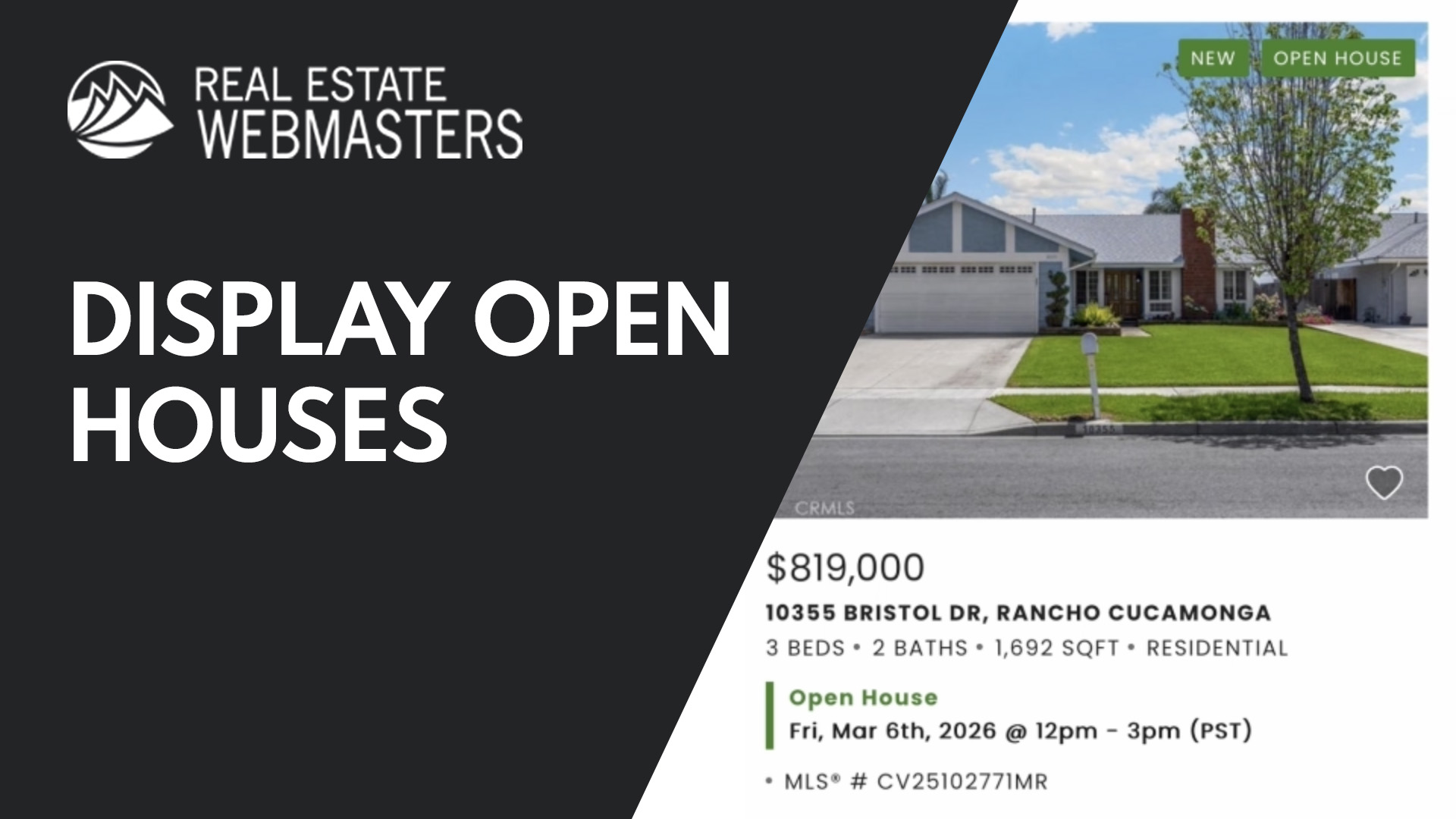
How to Display Open House Details to a Listing
In a contrasting site colour, Open Houses displays times and dates underneath MLS listings for upcoming open houses. Beyond providing even more information to site visitors, this valuable feature can also prompt potential leads to get in touch.
.webp)
Open House data shown on the IDX search and on the Listings page
That means more in-person opportunities through stronger engagement with active listings. Combined with Enhanced Listings, Open Houses deliver pertinent information to site visitors in an easy and comprehensive way.
Closing Summary
Small upgrades can generate exponential lead opportunities. With Enhanced Listings and Open Houses, you can capture audience interest and rank higher for key listings, as well as achieve higher engagement with a better search experience.
Enhanced Listings & Open Houses FAQ
What are Enhanced Listings?
Enhanced Listings allow you to prominently showcase your own active listings on your Renaissance website. They include custom background options, modified descriptions, and a special “Enhanced” banner that increases visibility across IDX searches.
Do Enhanced Listings improve SEO?
Yes. Enhanced Listings allow you to replace or improve the standard MLS description with unique, keyword-rich content. This additional original content can help improve search engine rankings and give you an edge over competitors using default listing descriptions.
What does the Open Houses feature do on your website?
The Open Houses feature allows you to add property viewing details (date, time, and instructions) directly to your listing. This information appears prominently under the listing in IDX search results and is included directly on that particular listing's page.